SQL Server 2025 is Here: Everything You Need to Know
SQL Server 2025: Microsoft has rolled out SQL Server 2025, and it’s packed with features that make life easier for developers, DBAs, and businesses. If…
Microsoft technologies (MSBI), including SQL, SSAS, SSIS, SSRS, PBIRS, Azure SQL, Azure Cloud Servers and Azure Analysis Services (AAS). Troubleshooting and Problem-Solving articles regarding above technologies. TSG’s of other kind of troubleshooting.
SQL Server 2025: Microsoft has rolled out SQL Server 2025, and it’s packed with features that make life easier for developers, DBAs, and businesses. If…

An error has occurred: There was an error loading your .pbix file. Check that the file has not been corrupted and that the file extension…
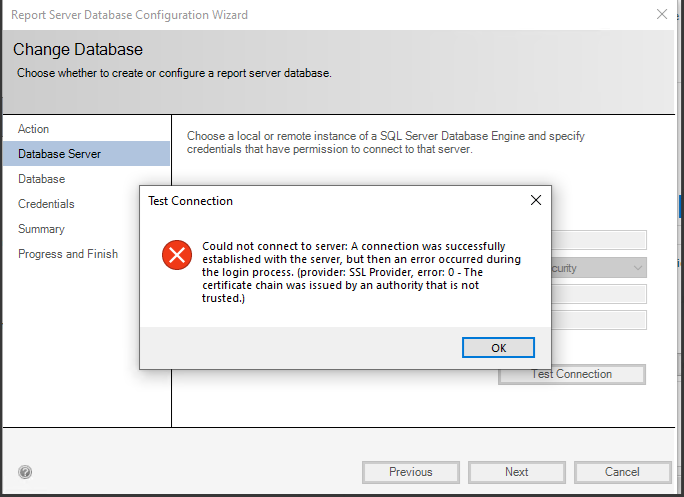
A connection was successfully established with the server, but then an error occurred during the login process. (provider: SSL Provider, error: 0 – The certificate…
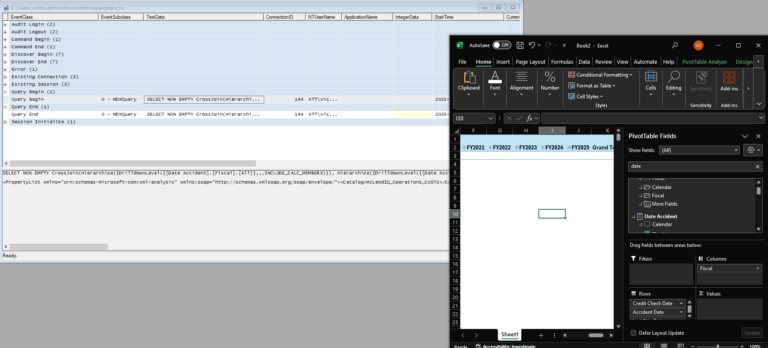
Calculation Items Errors Out In Analysis Services: When some data is being pulled from Power BI desktop/Excel, the SSAS server memory is increasing until the…
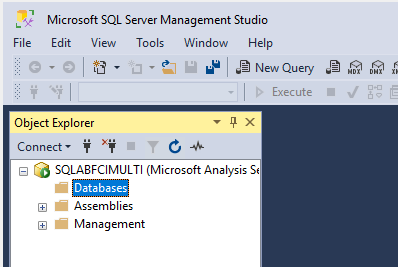
Add Node To Analysis Services Failover Cluster: In our previous article we have seen on how create SSAS cluster Instance, as a fresh installation and…
Configure Analysis Services Failover Cluster: Now we will see how to configure FCI for our analysis services and in this article we are going to…
